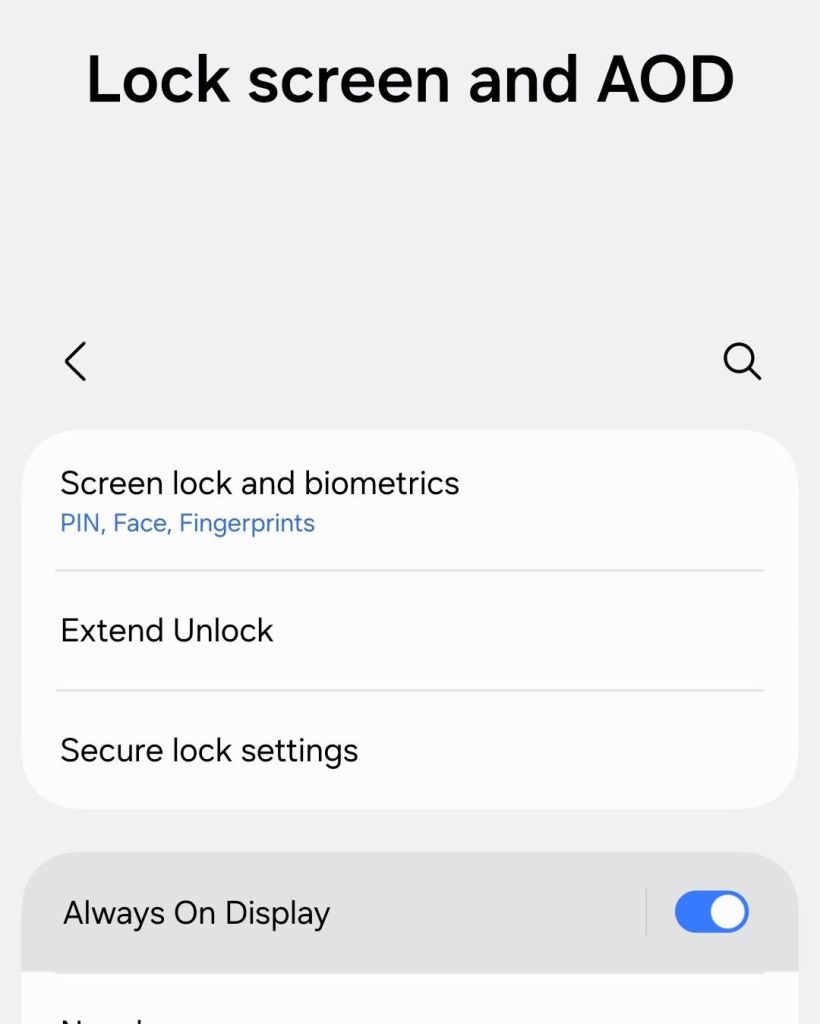
Many current models of mobile phones now offer Always On Display (AOD) as an optional setting. What does AOD do and is it for you?
AOD leaves the lock screen of your phone display always on. It doesn’t leave it on with full brightness, however, to conserve battery life. Some phone models offer the option to show your wallpaper with AOD while others just use a black background.
What can AOD offer? For me, it offers the convenience to glance at my phone for any new notifications, as well as any relevant information on lock screen widgets (if your phone has that option.) Before AOD, you usually have to pick up the phone or tap it to get that information.
AOD does drain the battery faster than if it was off, so that is something to be aware of. AOD also does turn off when the device is in a pocket or bag, so that does help a little with battery life.
As with any setting you discover, you can try it out for yourself and then revert back if you don’t find it useful.
 Tech Spinning